Your phone gallery isn't a client database.
You already take photos but they do not get put to use.
Your Camera Roll is Overloaded
Scrolling through 3,000 photos to find Sarah’s last set wastes the first 5 minutes of her fill. It does not look professional.
Inspo Screenshots Get Lost in the Scroll
Losing a client’s reference screenshot means re-asking what she wants, which makes you look like you forgot her.
Client Photos Do Not Belong on Your Personal Phone
Mixing close-up client photos with your personal pictures is a privacy risk. One that could cost you their trust and reputation.
Open their profile. See their last set.
Every client profile shows the most recent After photo from their last completed appointment, right at the top. No searching, no scrolling, no asking. You see the curl pattern, the length map, and the density before they even sit down. Fill prep drops from 10 minutes to 30 seconds.
Surfaces automatically
The most recent After photo loads the instant you open the client.
Sits above the client summary
You see the work first, then the notes and history, right where your eye lands.
Tap to open the full gallery
Need more? The full photo history is one tap away, grouped by visit.
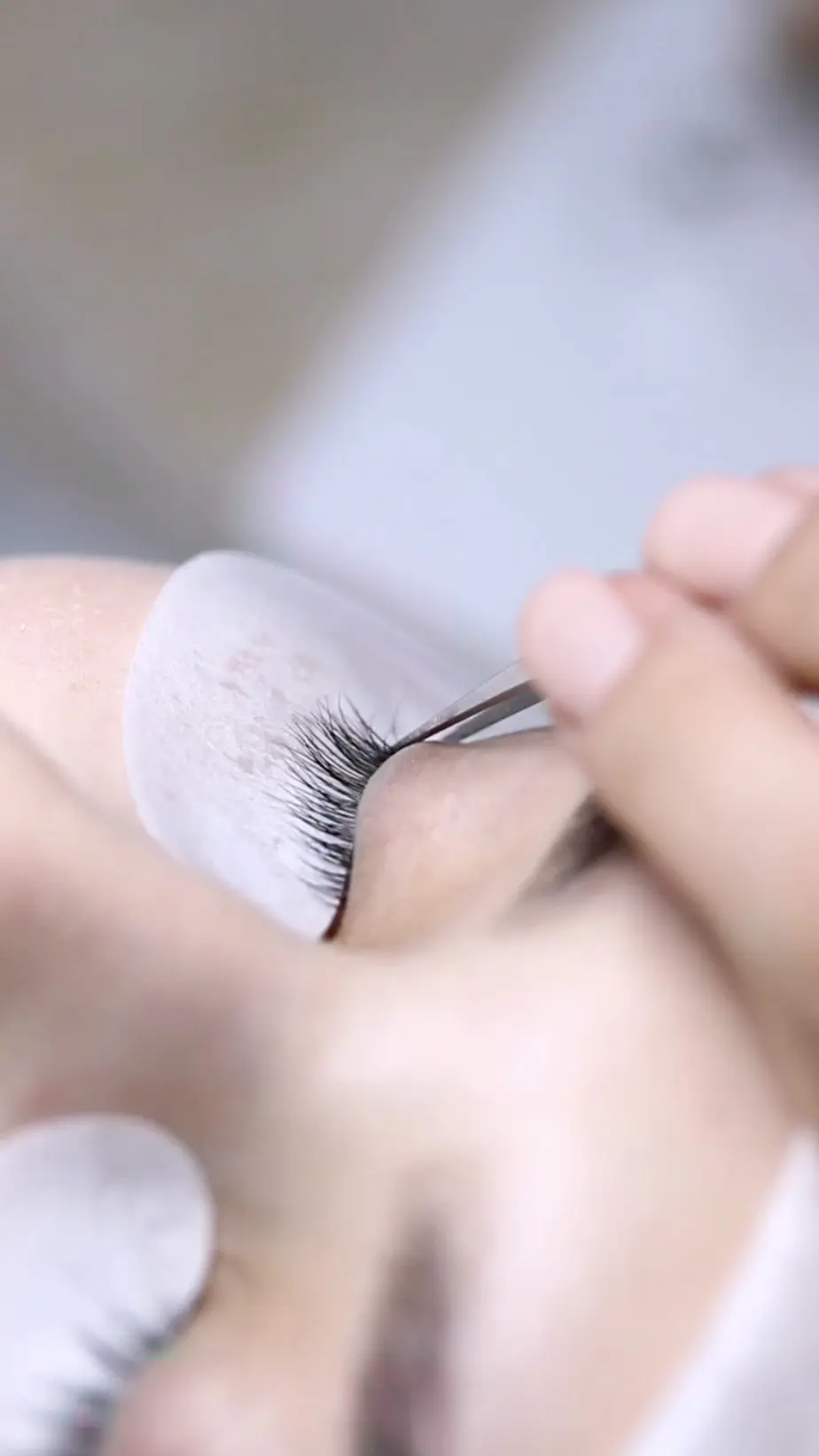
Built for the way lash techs actually work.
Fast capture, clean organization, and privacy that quietly takes care of itself.
Three taps from the appointment screen
Tap the camera icon in the appointment modal, snap the photo, tag it. Done. No switching apps. The photo attaches to the right client and the right appointment before she even opens her eyes.
Tag it. Find it. Use it.
Every photo gets a label: ‘Before’, ‘After’, ‘Inspo’, or ‘Other’. Filter to ‘Before’ to check retention. Pull up the most recent ‘After’ before a fill. Tap ‘Inspo’ to find the reference she showed you last time.
Swipe lightbox viewer
Full-screen, edge-to-edge viewer with swipe and keyboard navigation. Edit captions inline. Change the tag without leaving the photo. Feels like the native Photos app, but built for your client record.
Private by default
Photos live in a private space that only you can open when you are logged in. No public links, no shared folders, no accidental exposure. Your iPhone HEIC originals are preserved exactly as you shot them. If a client asks you to delete her data, removing her profile wipes every photo with her.
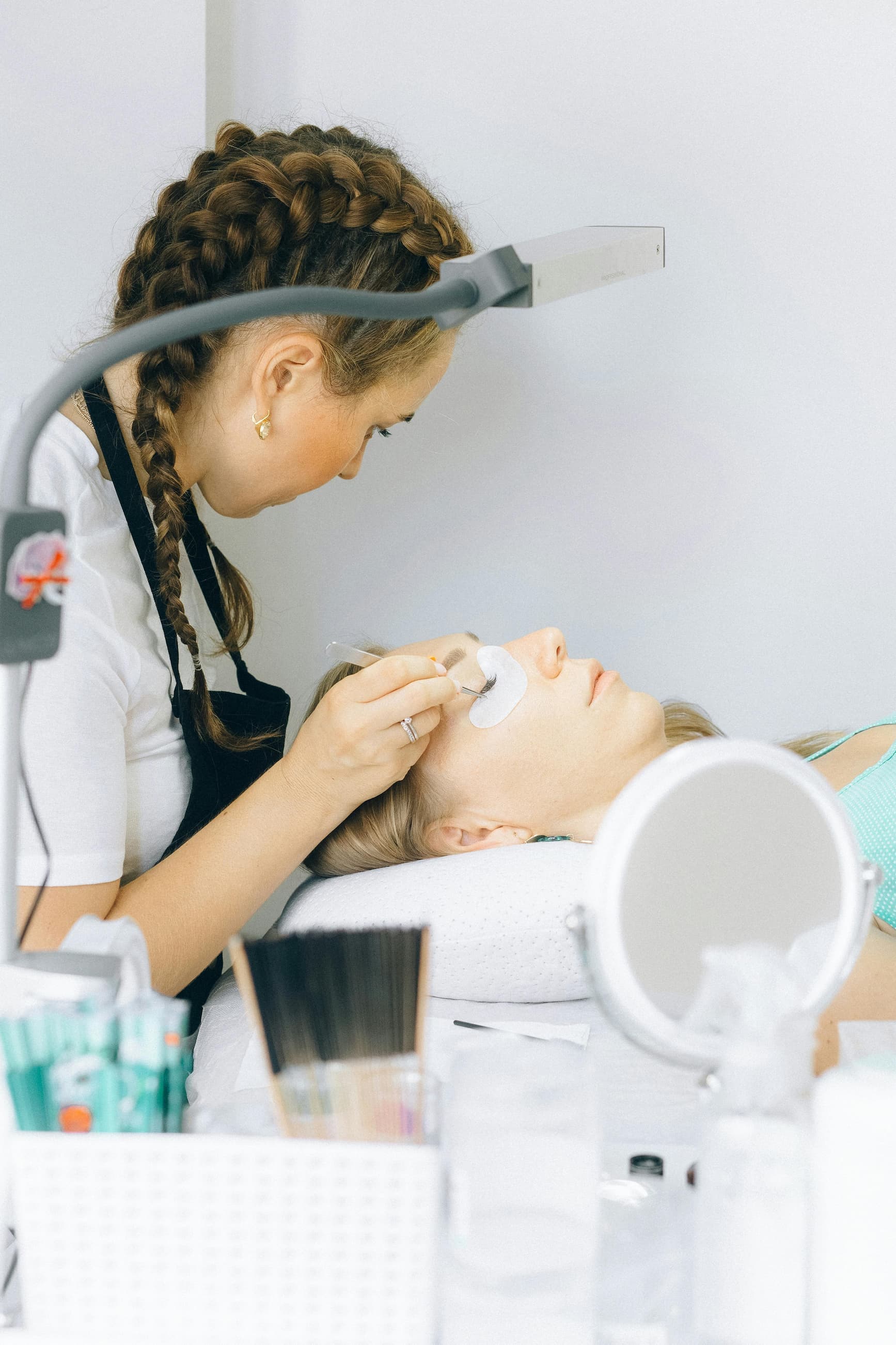
Every Lash Extension Before and After Photo, Attached to the Right Client
Your lash extension 'before' and 'after' photos tell the full story of every set you've done. Curl type, length map, the inspo shot she showed you three months ago. But if those photos live in a camera roll with 4,000 other pictures, you're starting from scratch every visit. The 'Client Photo Gallery' pins each image to the client it belongs to, so prep takes seconds.
Same goes for lash lift 'before' and 'after' photos. Your client came back because she loved her last lift. When you pull up her card and already know the rod size, timing, and processing notes, the whole appointment feels different. She feels seen. You look like someone who remembers everything.
'Before' and 'after' lash extension photos shouldn't be scattered across your phone. Keep them organized per client, and pair them with the client profiles so every fill starts with the full picture.
A Private Photo Gallery for Each Client Saving Your Time and Client Relationship.
SuiteCal also has a 'My Work' gallery for showing off your best sets to new clients who visit your booking page. The 'Client Photo Gallery' is the other half of the story: the private record that helps you deliver the same great set to every returning client, every time.
Pair it with the Client Profiles so every booking, note, and photo for a client lives in one place. Or read how to track lash client history the right way, from intake to retention.
Got questions?
Everything you need to know about the Client Photo Gallery
Free accounts get 3 photos per client. Premium accounts get 500 photos per client, which is enough to keep the full history of even your longest-standing regulars.
No. Photos are completely private. Only you can view them when logged in. There are no client-facing links, sharing features, or public galleries. This is your private reference tool, not your marketing portfolio.
Every photo attached to that client is permanently removed along with her profile. Nothing lingers. This is automatic and irreversible, built to match data privacy expectations.
Yes. HEIC files are fully supported. Your originals are preserved exactly as shot, with no compression or format conversion applied.
Yes. You can add photos from the client profile at any time. The 3-tap capture from the appointment screen is the fastest route, but you are not locked to that moment.
Stop guessing. Start seeing.
Every client’s last set, one tap away.
Free plan available. Compare Free and Premium plans.