Available templates
These are samples. Every template picks up your color, font, logo, and handle once your brand kit is set. Stories save at 1080x1920 and feed posts at 1080x1350. Scroll back up and tap any post to make your own.
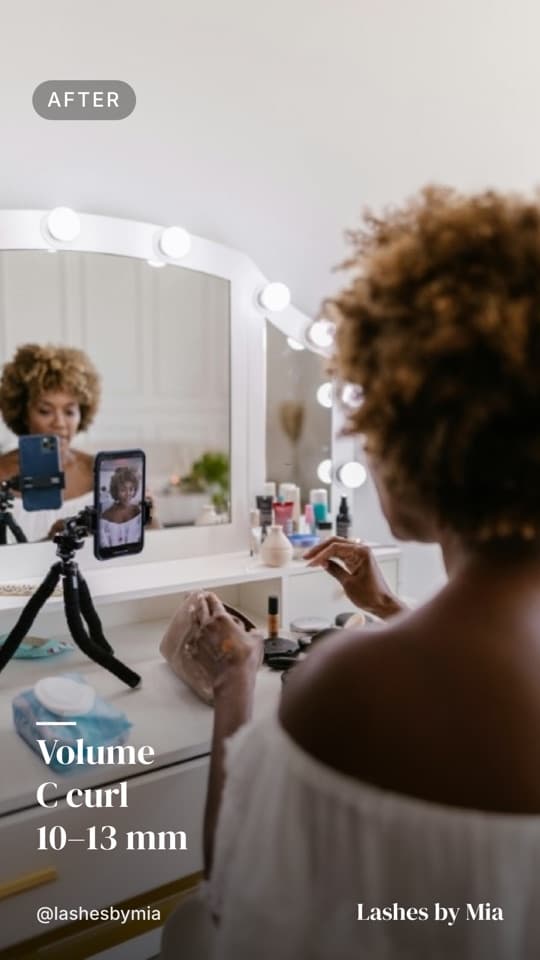
Before and after reel
The before and after reel. Bare lashes, then the finished set, saved as a silent MP4 so you can add your own sound.
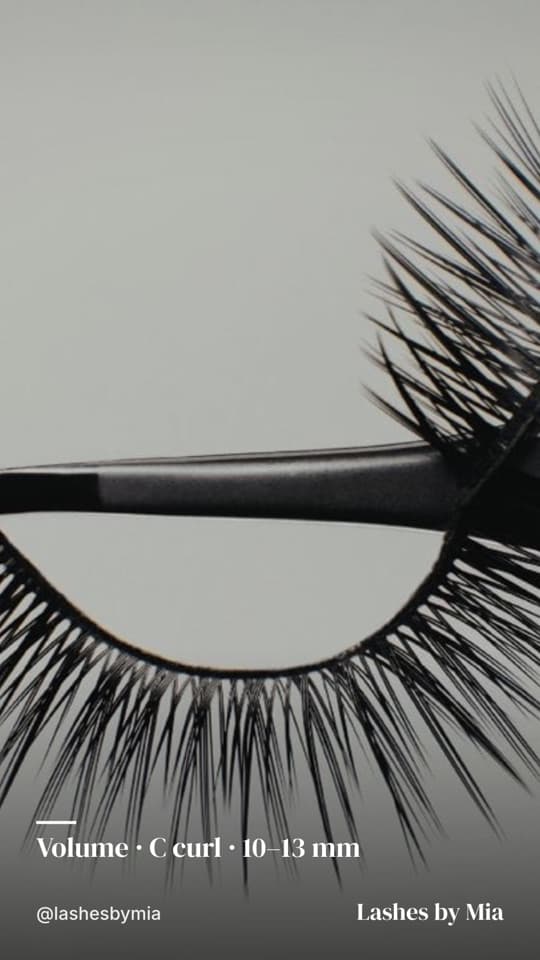
Finished set
One close-up of a finished set with the style, curl, and length written on it, so clients can ask for it by name.
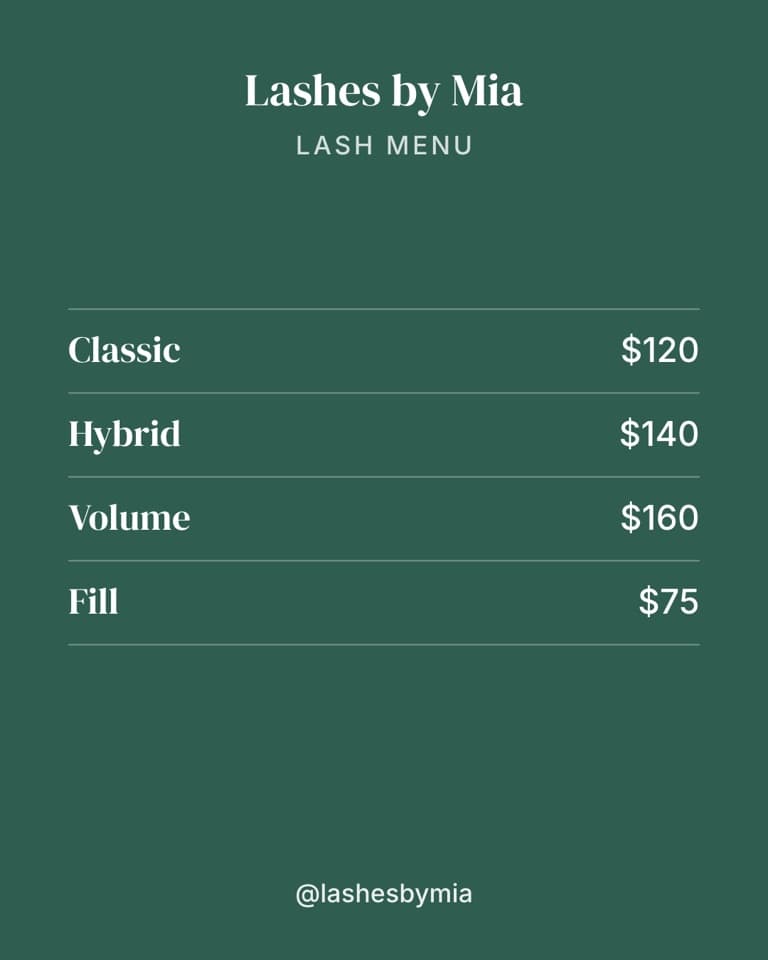
Price list
A lash price list for Instagram with your full sets and fills. When your prices go up, change the numbers and download it again.
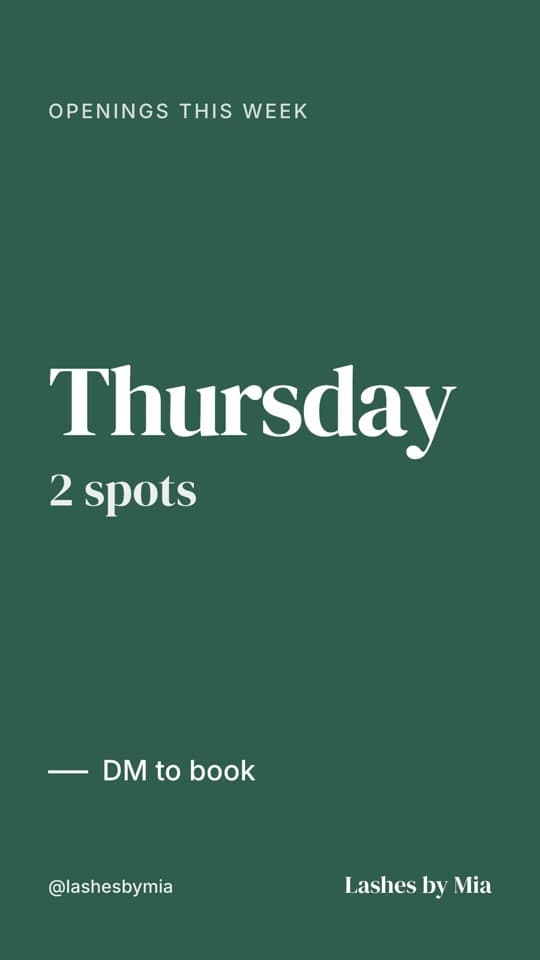
Openings this week
For slow weeks: the day, the spots left, and DM to book.
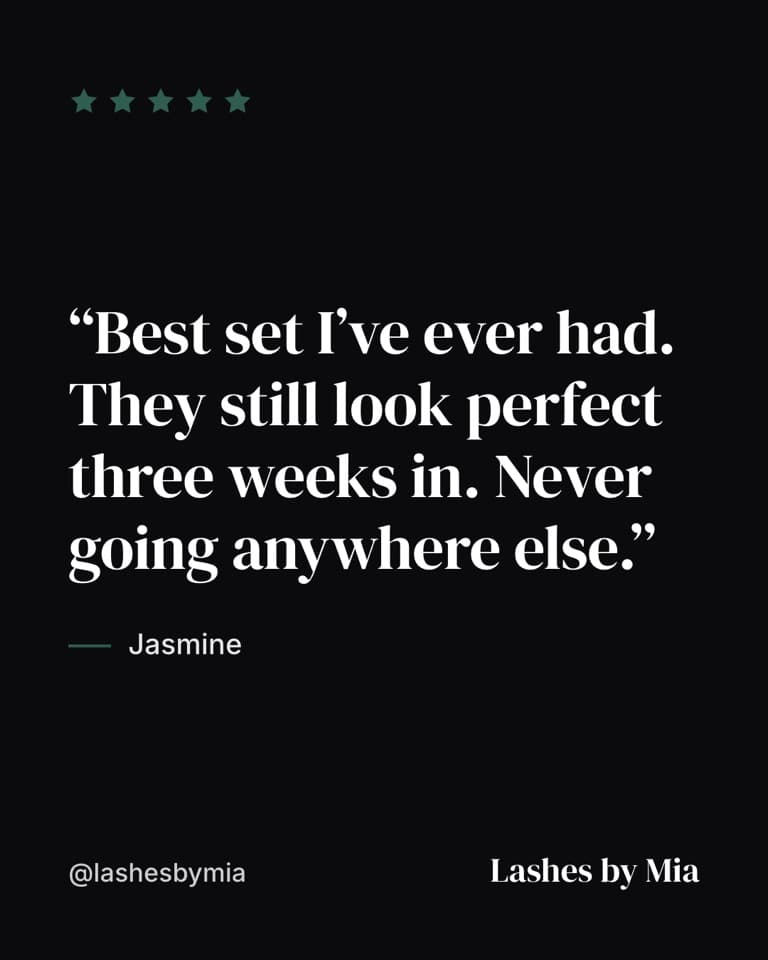
Client review
Paste a text from a client and it turns into a client review post with five stars and her words.
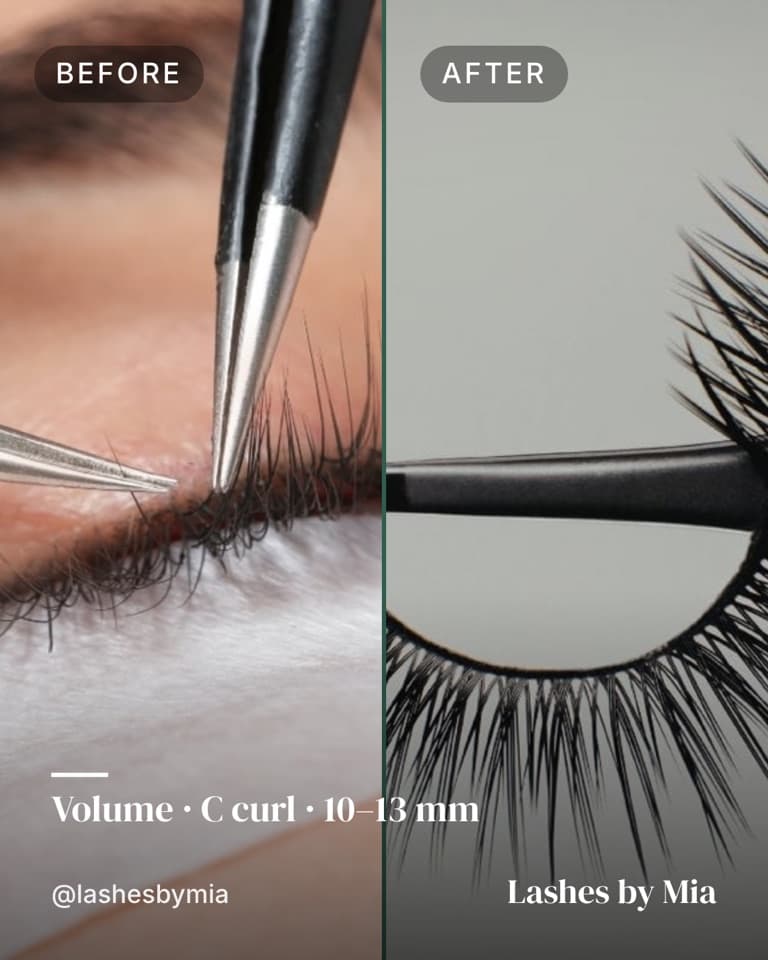
Before and after photo
The before and after photo version, side by side for your feed.
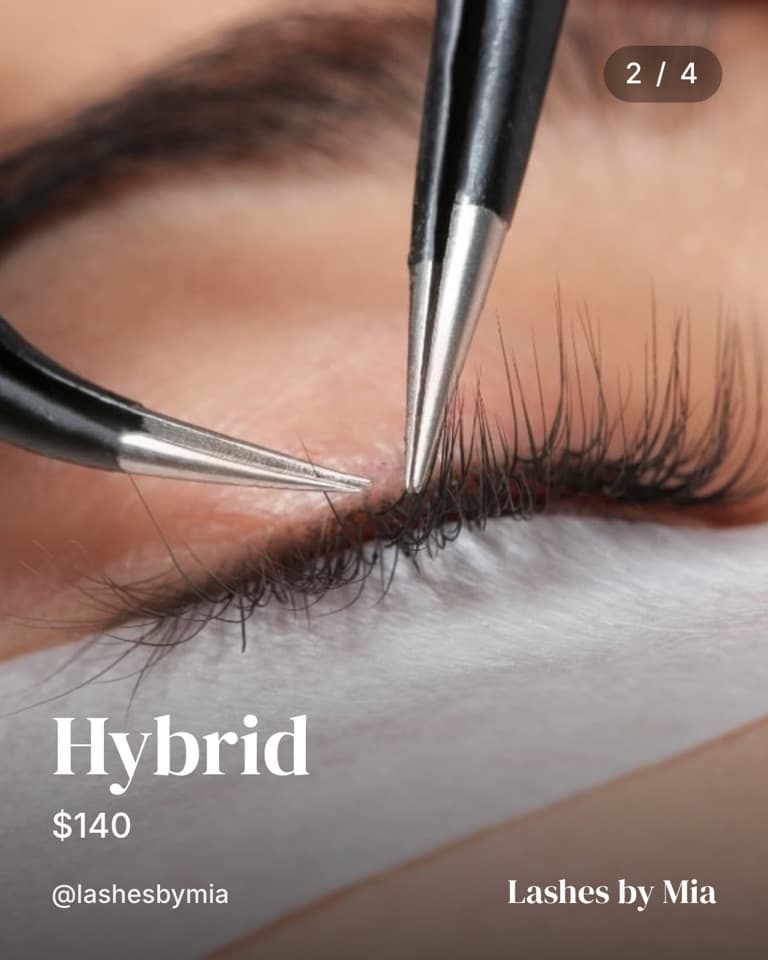
Style menu
Classic, Hybrid, Volume, and Wet Look, one slide each with a price. Post this lash style menu once and stop explaining the difference in DMs. On desktop, the carousel downloads as a ZIP.
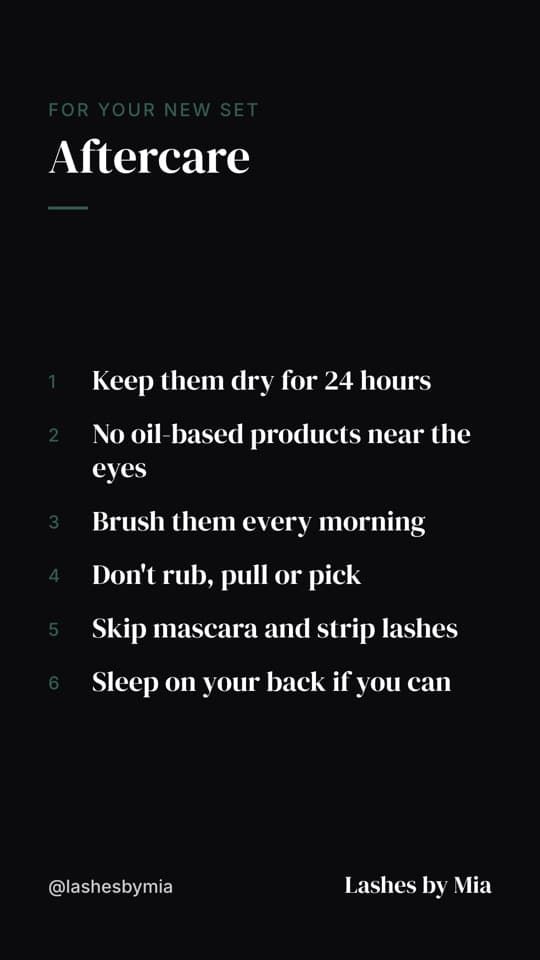
Aftercare card
DM this lash aftercare card to clients after every appointment, or post it to your story. Six rules, short enough that she actually reads them.
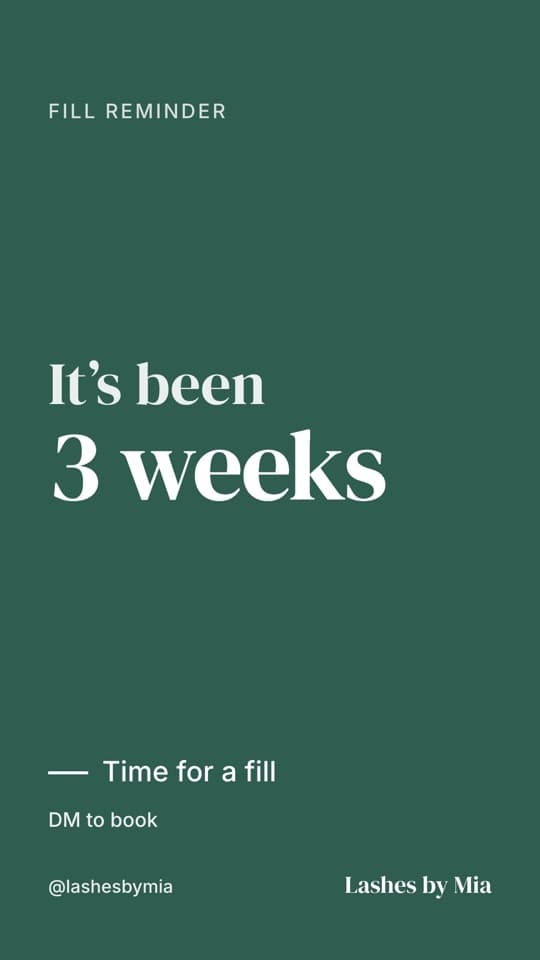
Fill reminder
A lash fill reminder for your story. Post it around week 2 or 3, before sets start looking sparse.
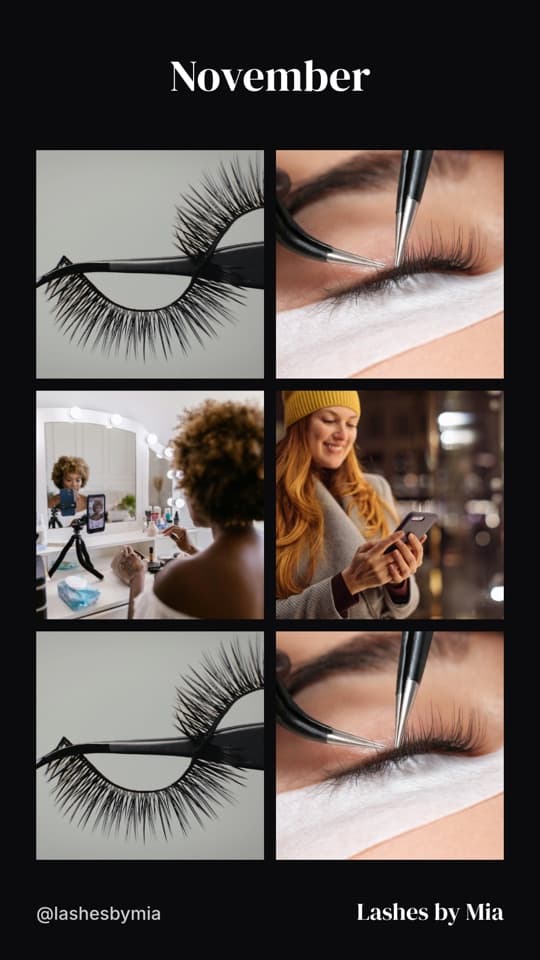
Monthly roundup
The monthly roundup puts your favorite sets from the month in one grid. Easy to post on the last day of the month.
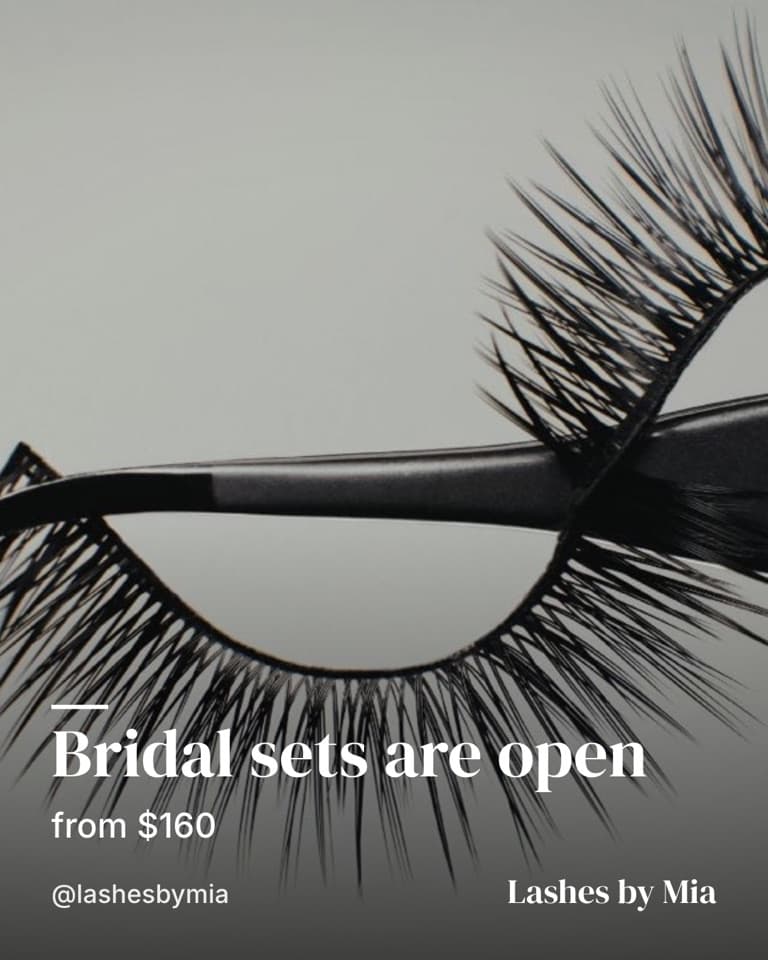
New style launch
Adding bridal sets, a holiday look, or lifts? Use the new style launch post to put it on your feed with a starting price.
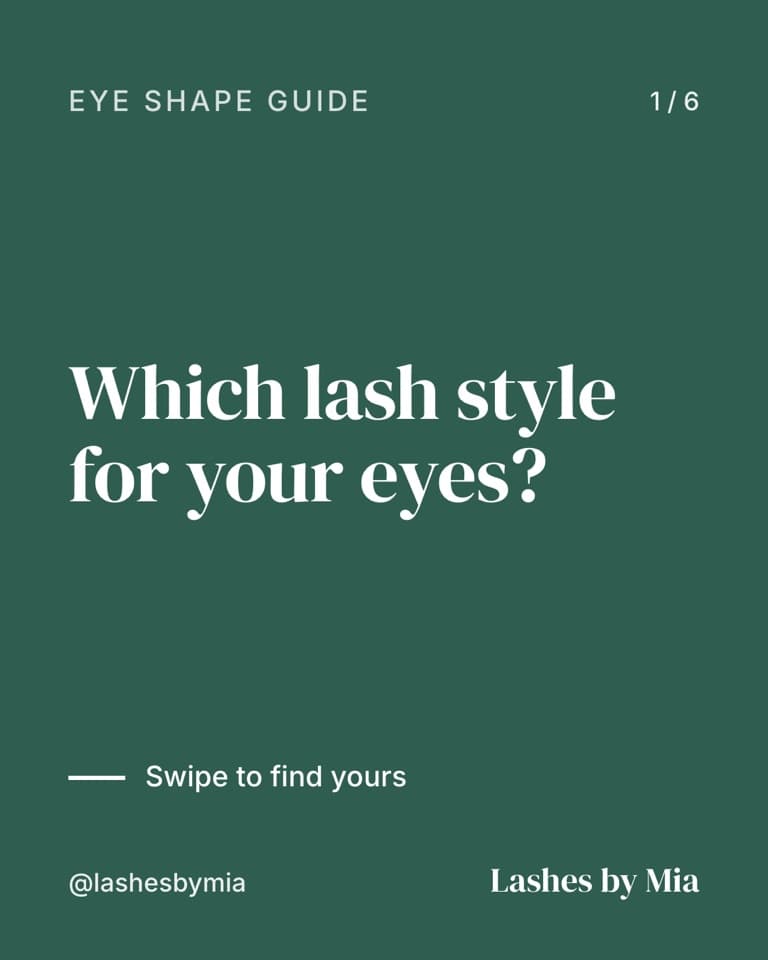
Eye shape guide
Which lash styles suit which eyes. Clients swipe through the eye shape guide and pick a look with you, not from a screenshot.
Lash Reel
Frequently asked questions
Do I need an account to use Lash Reel?
No. There is no signup and no login. Open the page, pick a post, add your photos, and download it. Your brand kit is saved locally in your browser, so it is there the next time you open Lash Reel.
Does it put a SuiteCal watermark on my posts?
No. Nothing from SuiteCal goes on your posts. The only branding is yours: your color, font, logo, and handle.
Which browsers make reels?
Safari on iPhone, and Chrome or Safari on a laptop or desktop. Reels download as a silent 1080x1920 MP4 so you can add a trending sound in Instagram or TikTok. Posts download as a PNG, and carousels download as a ZIP on desktop.